Accessible Custom Cursors and Pointer Effects
Custom cursors and mouse trails can delight — or exclude. How to build them so they respect touch devices, reduced motion and assistive technology.

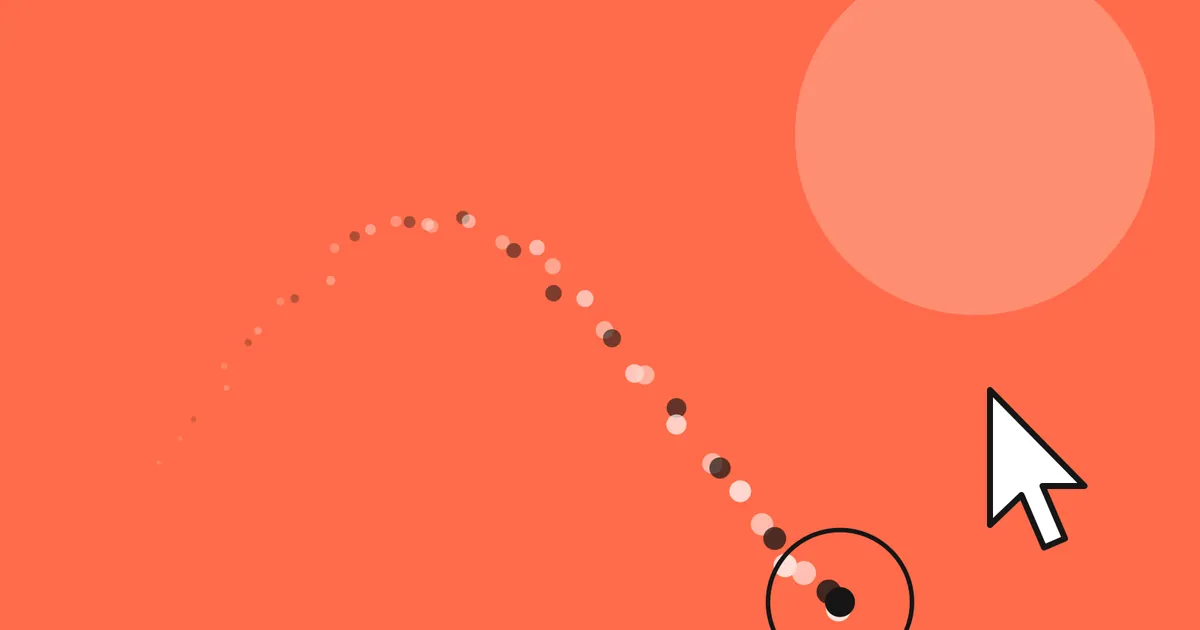
Move your mouse around my portfolio and a small dot, a trailing ring and a burst of particles follow along. Open the same page on a phone, or with reduced motion enabled, and none of it appears. That second part is the important one.
The problem with cursor: none
Hiding the system cursor is a promise: I will draw something at least as good. Break that promise and people lose track of where they are. System cursors are also magnified by accessibility settings, recoloured by high-contrast themes and read by some assistive tools. A custom cursor gets none of that for free.
Only on fine pointers
Touch screens do not have a hovering cursor, so never hide or replace it there. Gate the whole feature behind a media query — in CSS and in JavaScript.
@media (hover: hover) and (pointer: fine) {
  .has-custom-cursor,
  .has-custom-cursor a,
  .has-custom-cursor button {
    cursor: none;
  }
}const fine = window.matchMedia('(hover: hover) and (pointer: fine)').matches;
const calm = window.matchMedia('(prefers-reduced-motion: reduce)').matches;
const enableCursor = fine && !calm;Follow, don’t lag
The dot should track the pointer exactly; only decorative layers may trail behind. A simple linear interpolation per frame gives the ring its smooth follow without adding input latency to the part people aim with.
let x = 0, y = 0, rx = 0, ry = 0;
window.addEventListener('pointermove', (e) => { x = e.clientX; y = e.clientY; });

function tick() {
  rx += (x - rx) / 9;
  ry += (y - ry) / 9;
  dot.style.transform = `translate(${x}px, ${y}px)`;
  ring.style.transform = `translate(${rx}px, ${ry}px)`;
  requestAnimationFrame(tick);
}
tick();
Reduced motion and trails
Particle trails are pure decoration. When prefers-reduced-motion is set, turn them off entirely — and turn the custom cursor off with them, so the system cursor comes back.
Checklist
- Only enable on
(hover: hover) and (pointer: fine). - Disable with
prefers-reduced-motion: reduce. - Keep
pointer-events: noneon every cursor layer. - Never hide the cursor over text inputs.
- Test with 200% zoom and a high-contrast theme.
Accessibility and delight are not opposites. The Pulse onboarding case study shows how far the same principles can take a whole product.
Thanks for reading! Have a question or a project in mind? Get in touch or leave a comment.